

As an Amazon Associate, I earn from qualifying purchases. This post may contain affiliate links. Read our full disclosure.
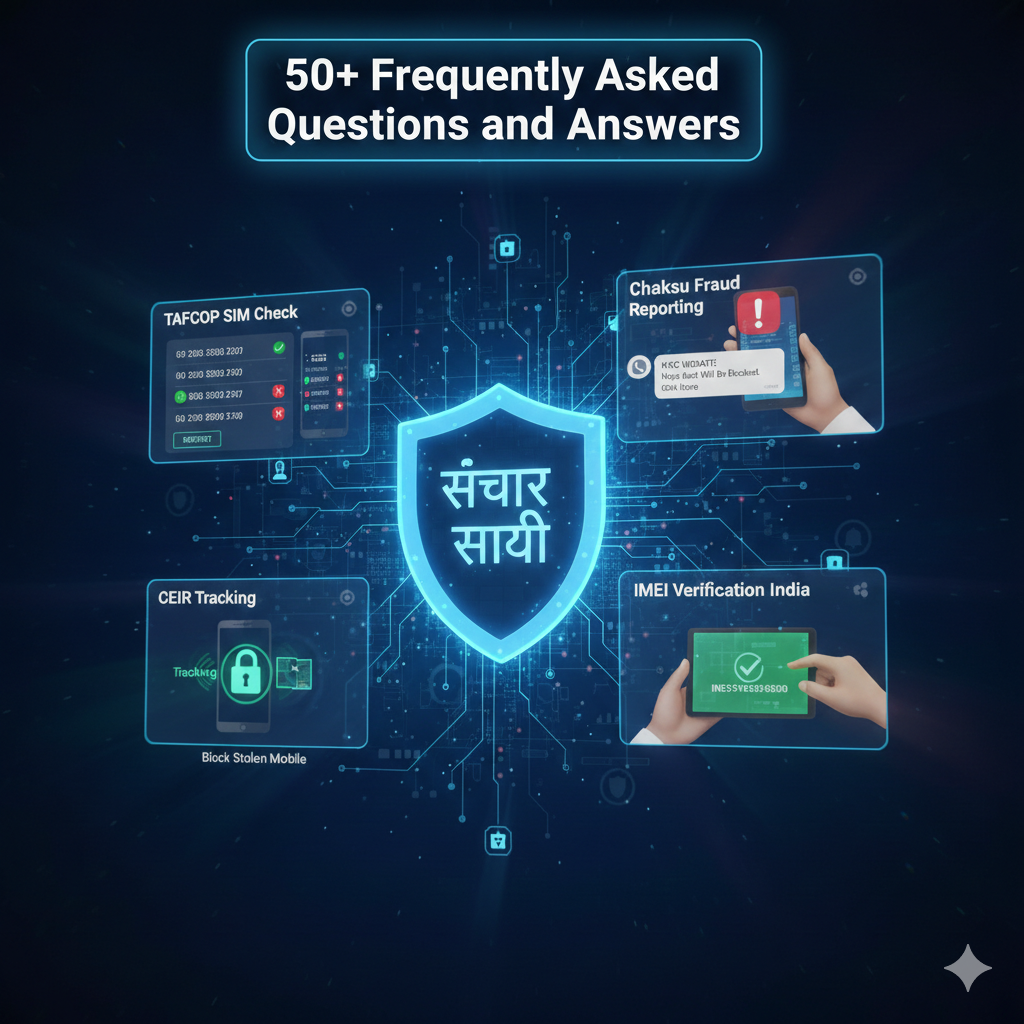
In the rapidly evolving landscape of Digital India Cybersecurity, the Sanchar Saathi Portal 2026 has emerged as a cornerstone for mobile subscriber safety. Developed by the Department of Telecommunications (DoT), this platform provides essential tools to block stolen mobile devices, conduct a TAFCOP SIM check, and report fraudulent communications via Chakshu.
Whether you are looking to verify your SIM card limit India or seeking a Sanchar Saathi app download, this comprehensive guide covers everything from technical specifications to user reviews.
General & Portal Overview of Sanchar Saathi
- What is Sanchar Saathi? It is a citizen-centric portal by the Department of Telecommunications (DoT) to empower mobile subscribers and strengthen their security.
- What is the official URL for Sanchar Saathi? The official website is https://www.sancharsaathi.gov.in/.
- Is Sanchar Saathi a free service? Yes, all services on the portal are provided free of charge by the Government of India.
- Who developed Sanchar Saathi? It was designed and developed by the Centre for Development of Telematics (C-DOT).
- What are the main modules of the portal? The main modules include TAFCOP, CEIR, Chakshu, KYM, RICWIN, and KYI.
- Can I use Sanchar Saathi on my phone? Yes, it is available as a web portal and as a mobile app on Google Play Store and Apple App Store.
- Is it mandatory to have the Sanchar Saathi app pre-installed? While the DoT issued directions for pre-installation on new phones, it is not mandatory for users to keep it; they can install or uninstall it as preferred.
- Does Sanchar Saathi track my live location? No, it does not track live GPS location. It only blocks/traces handsets via IMEI through network operators.
- How do I register on the portal? Enter your mobile number on the website, verify it via the OTP received, and you can access the services.
- Can non-residents use this portal? The services are primarily for subscribers of Indian Telecom Service Providers (TSPs).
TAFCOP (SIM Card Management)
- What is TAFCOP? Telecom Analytics for Fraud Management and Consumer Protection (TAFCOP) helps you see connections registered in your name.
- How can I check how many SIM cards are active on my Aadhaar? Go to the TAFCOP section, enter your mobile number, and log in with the OTP to see the list.
- What is the SIM card limit for an individual in India? An individual can have a maximum of 9 mobile connections (6 in J&K, Assam, and North East).
- What should I do if I see an unknown number in my TAFCOP list? Select the number and choose the option “This is not my number” or “Not required” and click “Report.”
- What happens after I report an unauthorized number? The telecom service provider flags the number for re-verification. If it fails, the number is disconnected.
- How long does the re-verification process take? Standard timelines apply for TSPs to contact the holder; usually, action is initiated within 30-60 days.
- Can I transfer my SIM to another person via this portal? No, mobile connections in India are non-transferable.
- Can I report a number that I no longer use? Yes, use the “Not Required” option to initiate the surrender/disconnection process.
- Will my primary number be disconnected if I report others? No, only the specific numbers you flag for disconnection are affected.
- Is Aadhaar the only document tracked? The portal tracks connections linked to various Proof of Identity (PoI) documents used during KYC.
CEIR (Lost/Stolen Mobile Blocking)
- What is CEIR? Central Equipment Identity Register (CEIR) is a central database of IMEI numbers used to block stolen or lost phones.
- What is the first step if my phone is stolen? You must first file a police complaint (FIR) and get a duplicate SIM for the lost number.
- How do I block a stolen mobile? Go to the CEIR section, fill in the device details (IMEI), upload the FIR, and submit the request.
- When should I block my IMEI? Immediately after losing the device and filing an FIR to prevent misuse.
- Can I block a phone without an FIR? No, a police complaint/FIR is mandatory for blocking a handset on CEIR.
- What happens once a phone is blocked? The phone becomes unusable on all Indian telecom networks. It cannot be used even if a new SIM is inserted.
- Can a blocked phone be tracked? Yes, blocking doesn’t stop police tracking. If the phone is turned on, a “traceability” alert is generated for authorities.
- How do I unblock a found phone? Select “Unblock Found Mobile,” enter the Request ID provided during blocking, and verify via OTP.
- What if I forgot my CEIR Request ID? There is an option to “Forgot Request ID” on the portal using the mobile number provided during the blocking request.
- Does CEIR work for dual-SIM phones? Yes, you should provide both IMEI numbers (IMEI 1 and IMEI 2) when filing a block request.
Chakshu (Fraud Reporting)
- What is the “Chakshu” facility? It is a tool to report suspected fraud communications received via Call, SMS, or WhatsApp.
- Can I report WhatsApp scams on Chakshu? Yes, it specifically allows reporting of fraudulent WhatsApp messages and calls.
- What are examples of fraud to report? Fake KYC updates, bank account/payment wallet threats, impersonation of officials, and sextortion.
- Should I use Chakshu if I already lost money? No. If money is lost, immediately call 1930 or visit cybercrime.gov.in. Chakshu is for proactive reporting of fraud attempts.
- How long do I have to report a suspicious link? Suspected web links should be reported within 30 days of receipt.
- What is RICWIN? “Report Incoming International Call With Indian Number” allows users to report international calls showing an Indian (+91) caller ID.
- How do I report spam (UCC)? You can report Unsolicited Commercial Communications through the Chakshu module if received without consent.
- What is the time limit for reporting spam calls? Complaints must be made within 7 days to be considered “valid complaints” for immediate TSP investigation.
- Can I report a suspicious APK file? Yes, Chakshu allows reporting of phishing links and unverified APKs delivered via SMS or social media.
- Does Chakshu share my report with the police? Reports are analyzed by DoT and shared with relevant authorities/TSPs for preventive action.
Technical & Security
- What is an IMEI number? International Mobile Equipment Identity is a unique 15-digit code identifying your mobile device.
- How do I find my IMEI? Dial *#06# on your phone, or check the mobile packaging box/invoice.
- What is the KYM service? “Know Your Mobile” lets you verify if a handset is genuine, blacklisted, or duplicate before buying it.
- How can I verify IMEI via SMS? Type KYM <15 digit IMEI> and send it to 14422.
- What does a “Black-listed” status mean in KYM? It means the device has been reported stolen or is involved in fraudulent activity; avoid buying it.
- Is my data safe on Sanchar Saathi? The portal follows government cybersecurity protocols and only collects minimum data required for services.
- Does the app read my private messages? No, it only accesses call/SMS logs when you choose to report a specific fraud incident.
- Can I check wireline ISP details on the portal? Yes, there is a “Know Your Wireline Internet Service Provider” tool to check ISP details by PIN code or address.
- What is “Trusted Contact Details”? A feature to verify official customer care numbers and websites of banks and financial institutions.
- What is the helpline for Sanchar Saathi? You can contact help-sancharsaathi@gov.in or call 011-20907480 (Mon-Fri, 9 AM – 5 PM).
10 General Questions and Answers on Sanchar Saathi
- How to check how many SIM cards are on my Aadhaar in 2026? Visit the TAFCOP portal on Sanchar Saathi, enter your mobile number, verify with OTP, and view all connections linked to your ID.
- Can I track my lost phone with Sanchar Saathi? You can register it for tracking via the CEIR module. While you don’t see a map, the system notifies police when the phone is used on any network.
- How to block my stolen iPhone using IMEI in India? Use the CEIR service on Sanchar Saathi. You will need your IMEI number and a police FIR copy to block the device across all Indian networks.
- Is the Sanchar Saathi app mandatory for Android and iOS? No, it is not mandatory. Users can choose to install or uninstall it. It is recommended for better fraud alerts.
- How to report a WhatsApp KYC scam? Open the Chakshu portal on Sanchar Saathi, select WhatsApp as the medium, and upload a screenshot of the fraudulent message.
- What is the difference between TAFCOP and CEIR? TAFCOP is for managing SIM card connections linked to your ID; CEIR is for blocking/tracking the physical mobile handset via IMEI.
- What happens if I use more than 9 SIM cards? Connections activated chronologically beyond the limit (9 or 6) will be disconnected by the service provider.
- Can I unblock a phone if I find it after 2 months? Yes, there is no time limit for unblocking. You can use your original Request ID on the CEIR “Unblock Found Mobile” page.
- How to check if a second-hand phone is stolen before buying? Use the KYM (Know Your Mobile) app or web feature to enter the IMEI. If the status is “Blacklisted,” the phone is stolen.
- Does Sanchar Saathi help in recovering lost money from bank fraud? No, Sanchar Saathi is for telecom security. For financial loss, you must report to the National Cyber Crime Helpline at 1930.

At GSMArena Blog, we’re passionate about everything related to smartphones and mobile accessories.
Our mission is to provide honest, in-depth reviews, the latest tech news, and practical buying guides to help you make informed decisions.
Whether you’re looking for the best budget phone, flagship comparisons, or the latest gadget trends, our team of tech enthusiasts is here to deliver accurate, unbiased, and up-to-date information.
Join us on this journey as we explore the ever-evolving world of mobile technology!
Important Note: gsmarena.blog is an independent publication. We are not affiliated, associated, authorized, endorsed by, or in any way officially connected with GSMArena.com.
As an Amazon Associate, I earn from qualifying purchases. This post may contain affiliate links.
Our Self Introduction Video: Link
Myself Kaushik Chatterjee, Owner of this Website (https://gsmarena.blog/). You can contact me at- admin@gsmarena.blog or kaushikdotchatterjee@gmail.com
We are DPIIT Recognized Startup. My BHASKAR ID: IN-0126-9371SS